












MANUFACTURING

~MANUFACTURING ~

SOLIDWORKS Solutions for the manufacturing Industry

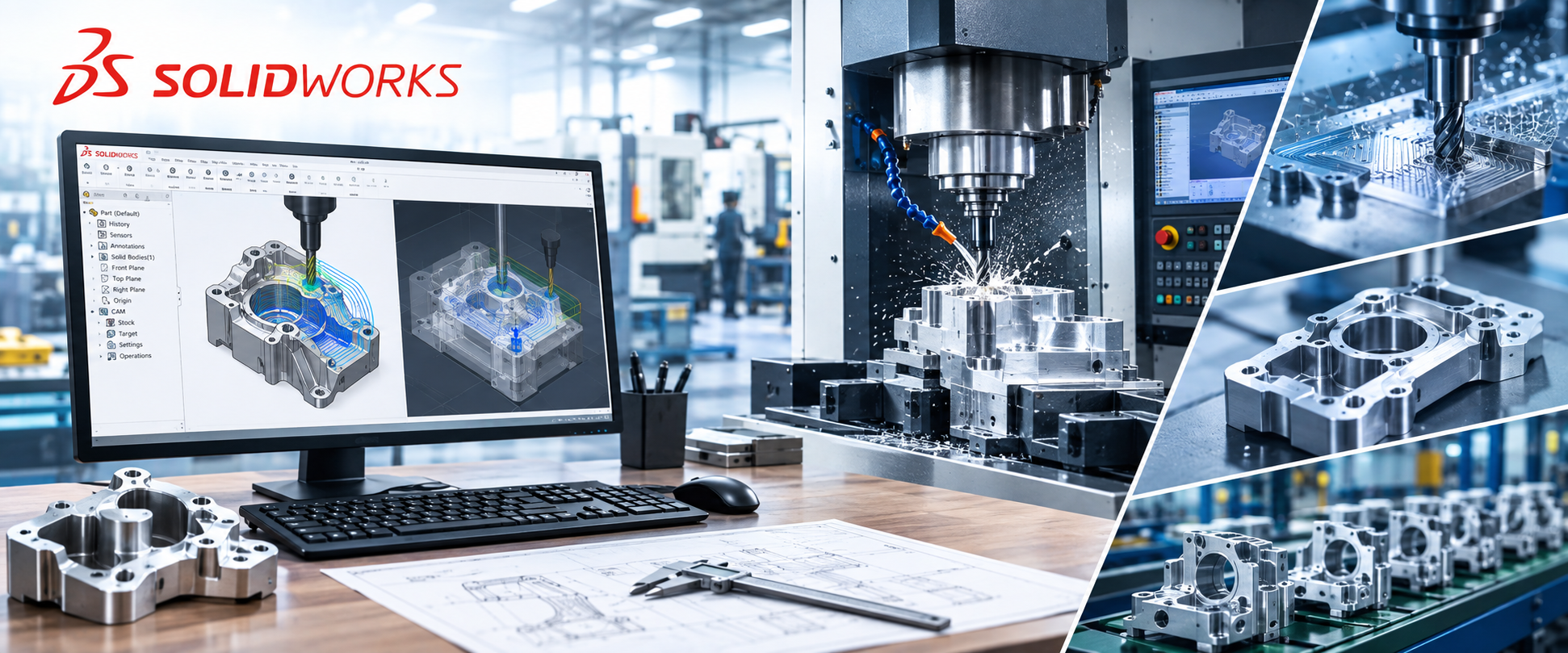
The manufacturing industry depends on accurate design, efficient production planning, and smooth coordination between engineering and shop-floor teams. Manufacturers regularly work with complex components, assemblies, sheet metal parts, weldments, tooling, and production equipment, making design accuracy and efficient data management essential for successful operations.

Accurate Representation of Manufacturing Features

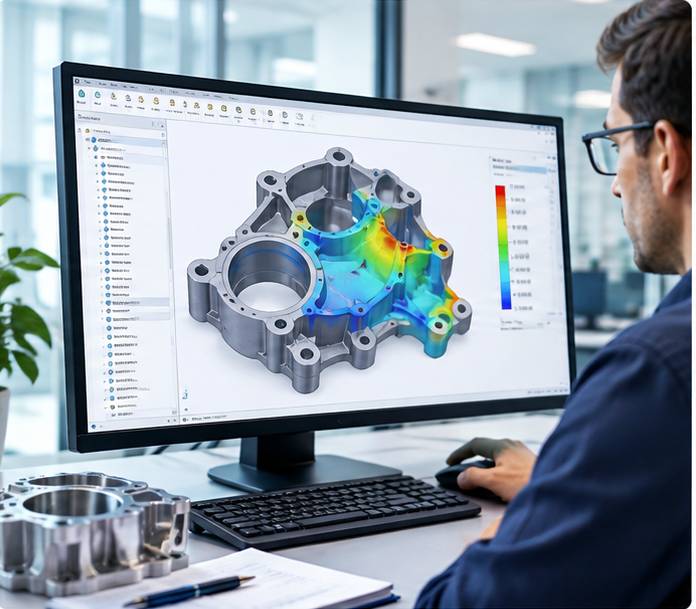
Creating precise digital models of manufacturing features such as sheet metal components, weldments, machined parts, and assemblies is an important part of the product development process. Accurate 3D representation helps engineers visualize how components will be produced and assembled while making it easier to identify potential design issues before they reach the manufacturing stage.

Efficient Tool and Equipment Design

Tooling and production equipment often require detailed designs and careful consideration of component relationships. SOLIDWORKS helps engineers develop tool designs and manufacturing equipment efficiently, allowing design teams to make modifications, evaluate assemblies, and refine concepts within a digital environment before production begins.

Working with Multiple Data Formats

Manufacturing companies often receive and manage design information from different customers, suppliers, engineering teams, and software platforms. SOLIDWORKS supports workflows involving multiple data formats, helping organizations work with existing design information and maintain greater continuity throughout the engineering and manufacturing process.

Streamlining Manufacturing with SOLIDWORKS

SOLIDWORKS 3D CAD, Simulation, PDM, and Composer provide a connected set of tools that can support different stages of the manufacturing workflow. Engineers can create detailed designs, evaluate product performance, manage technical data, and develop clear manufacturing documentation. This integrated approach can help reduce design errors and improve communication between engineering, production, and other teams.

Reducing Delays and Manufacturing Costs

Manufacturing delays, unexpected design changes, production errors, and shop-floor modifications can increase project costs and affect delivery schedules. By identifying potential problems earlier through digital design, simulation, data management, and visualization, SOLIDWORKS can help manufacturers reduce unnecessary rework and avoid costly changes during production.

Improving Productivity and Lead Time

Many manufacturers use SOLIDWORKS to improve engineering productivity and make their product development processes more efficient. Faster design iterations, better access to product data, improved collaboration, and reduced rework can help companies shorten lead times and respond more effectively to customer requirements.

Supporting Business Growth and Profitability

Efficient design and manufacturing processes can have a direct impact on overall business performance. By reducing unnecessary development time, controlling production-related costs, improving product quality, and increasing operational efficiency, SOLIDWORKS can help manufacturing companies create a more productive workflow and support long-term profitability and competitiveness.

Looking For The Best manufacturing Industry Services and Solutions?

Resources based on manufacturing Industry

Explore a range of SOLIDWORKS resources created to help manufacturing professionals get started with the software and make better use of its design and engineering capabilities. These resources provide useful information, guidance, training materials, and practical insights to help users understand how SOLIDWORKS can support different stages of the manufacturing process.

Whether you are new to SOLIDWORKS or already using it in your manufacturing workflow, these resources can help you build your knowledge and improve your understanding of tools for 3D CAD design, sheet metal, weldments, assemblies, simulation, data management, and manufacturing documentation. They can also provide helpful guidance for improving design accuracy, reducing errors, and creating more efficient engineering workflows.

Continue exploring the available SOLIDWORKS manufacturing resources to stay informed about new features, recommended workflows, training opportunities, and useful engineering practices. Regularly accessing these materials can help your design and manufacturing teams strengthen their skills and get greater value from SOLIDWORKS throughout the product development process.

Explore Manufacturing Engineering Insights

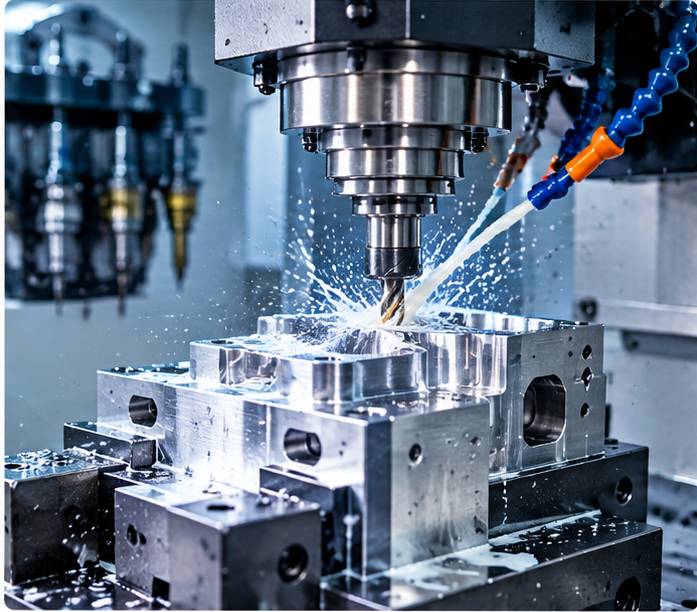
Manufacturing companies often face complex challenges related to product design, tooling, production efficiency, and engineering collaboration. Our SOLIDWORKS whitepapers provide detailed information on a variety of manufacturing and engineering topics, helping professionals understand how SOLIDWORKS solutions can address common design and production challenges. These resources offer useful insights into software capabilities, practical applications, and ways to improve manufacturing workflows.
Learn from Manufacturing Success Stories

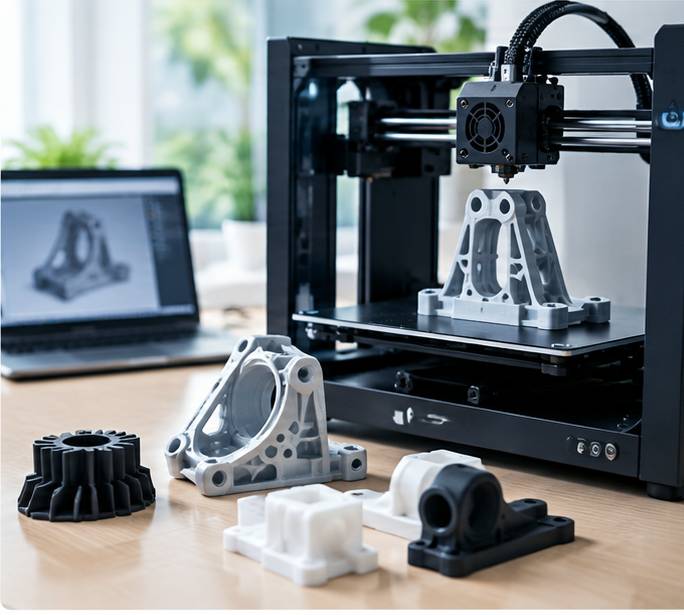
Discover how manufacturers across different industries have adopted SOLIDWORKS to improve their design and production processes. These case studies highlight real-world experiences involving shorter design cycles, reduced engineering time, fewer design errors, improved product quality, and better overall performance. They also demonstrate how digital design and engineering tools can help reduce prototyping requirements and streamline production from the initial design stage through manufacturing.
Book a Free SOLIDWORKS Manufacturing Demo

Every manufacturing business has its own products, processes, workflows, and engineering requirements. SOLIDWORKS offers different software packages and capabilities that can be selected according to your specific business needs. Book a free demo at a convenient time to explore the available solutions, understand their capabilities, and see how SOLIDWORKS can support your manufacturing and product development processes.
FAQs

Freequently Asked Question

SOLIDWORKS provides 3D CAD tools that help manufacturers create accurate product designs, assemblies, sheet metal components, weldments, and tooling. It can streamline design iterations, improve visualization, and help teams identify potential issues before production.
Yes. SOLIDWORKS enables engineers to review designs digitally, check assembly relationships, and identify potential interference or design problems before components reach the shop floor. This can help reduce unnecessary rework, design changes, and production-related delays.
SOLIDWORKS includes dedicated tools for creating sheet metal parts and weldments. Engineers can develop detailed models, prepare manufacturing information, and make design modifications efficiently while maintaining accurate product documentation.
SOLIDWORKS can help improve engineering productivity by streamlining design workflows, reducing repetitive tasks, and supporting digital design validation. By identifying potential problems earlier and reducing dependence on repeated physical prototypes, manufacturers can improve development efficiency and manage costs more effectively.
SKS Scantech can help manufacturing businesses explore SOLIDWORKS solutions based on their specific design, engineering, and production requirements. From 3D CAD and simulation to product data management and technical documentation, SKS Scantech can help businesses identify suitable SOLIDWORKS capabilities for their workflows.
SKS Scantech Engg Exim Pvt. Ltd. is located at Ansal Majestic Tower, Commercial Complex, UG-11, Block G, Vikaspuri, New Delhi, Delhi – 110018. As an Authorized SOLIDWORKS Reseller serving Delhi NCR and North India, we provide SOLIDWORKS licensing, training, implementation, and technical support. To schedule a product demonstration, request pricing, or speak with our experts, call us at +91 98109 06052.
Cart
Select the fields to be shown. Others will be hidden. Drag and drop to rearrange the order.
  • Image
  • SKU
  • Rating
  • Price
  • Stock
  • Availability
  • Add to cart
  • Description
  • Content
  • Weight
  • Dimensions
  • Additional information
Click outside to hide the comparison bar
Compare